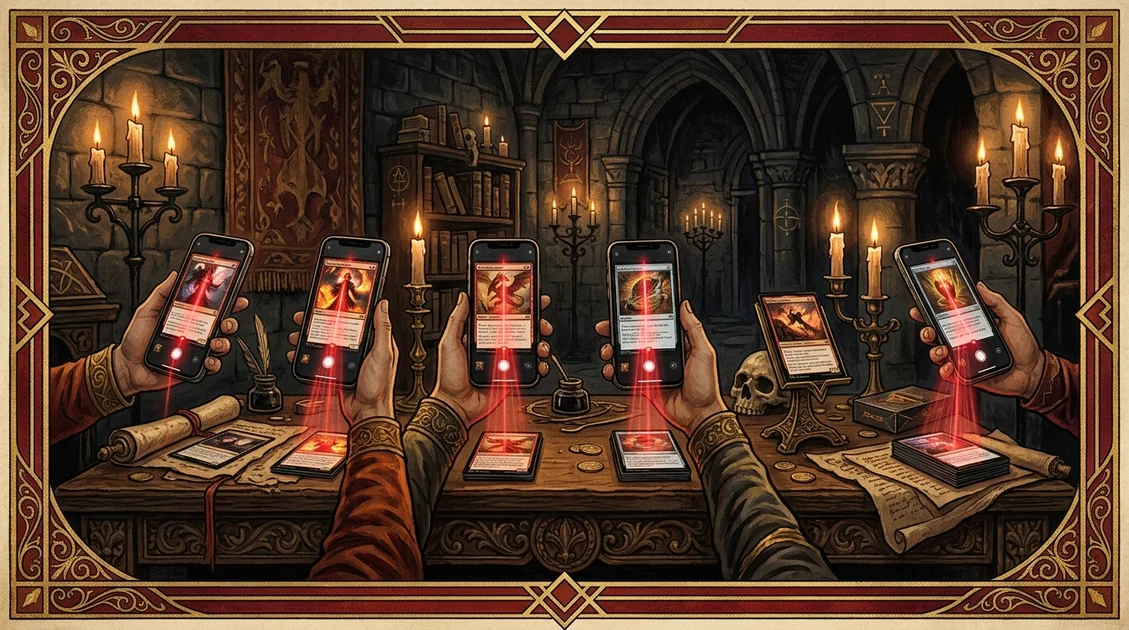
Best MTG Card Scanner Apps in 2026: An Honest Comparison
Compare MTG card scanner apps for iPhone and Android by scan workflow, exact-printing review, collection tools, offline use and seller features.
Scrytics · April 19, 2026 · Updated July 15, 2026
There is no single best Magic: The Gathering scanner for every workflow. A collector cataloguing a binder, a store entering inventory and an Android user sorting draft leftovers need different things.
Quick answer: Scrytics is the best fit for an iPhone-first scan, review and collection workflow. Delver Lens is the dedicated Android choice. The TCGplayer app makes the most sense when scanning is the first step toward inventory or selling. ManaBox is a broader collection, pricing and deck-building companion.
Full disclosure: Scrytics is our app. The comparison below separates observable workflow differences from claims that would require an independent accuracy benchmark.
The short comparison
| App | Platform | Best for | Main trade-off |
|---|---|---|---|
| Scrytics | iPhone and iPad | Scan to collection, exact-printing review, offline-first recognition | Apple platforms only |
| Delver Lens | Android | Dedicated Android scanning and collection export | Android only |
| TCGplayer | iPhone and Android | Marketplace inventory and seller workflow | Centered on the TCGplayer marketplace |
| ManaBox | iPhone and Android | Collection, prices and deck building | Scanner workflow is not the sole focus |
| Deckbox | Web | Long-term collection management and trading | Manual, list-first cataloguing |
What matters when choosing a scanner
Confirm the exact printing
Recognising the card name is only the first step. Set code, collector number, frame, language and finish can change the value dramatically. Treat every scan as a proposed match and verify the printing before adding an expensive card.
Review before adding
A useful scanner keeps the camera step fast but still gives you a review point. Recent scans, duplicate handling and batch actions matter more when you move from one card to an entire binder.
Match the destination
Decide where the cards should go after recognition. A personal collection, a seller inventory and a deck list need different metadata and different exports. The best scanner is the one that removes work from the next step.
Be careful with accuracy claims
Sleeves, foil glare, language, lighting and camera hardware all change results. An accuracy percentage is not comparable unless every app is tested on the same card mix and app version under the same conditions. We therefore compare workflows and supported features, not invented scores.
Scrytics: best iPhone scan-to-collection workflow
Scrytics is designed around one continuous path: point the camera, review the proposed card and printing, then add it to a collection. Recent cards remain in the scan drawer, and collection actions preserve quantity, finish and condition rather than reducing a card to a name.
Recognition runs on the device after the catalog is synced. That makes the camera useful at a store or event with poor reception, although fresh prices and data updates still depend on connectivity.
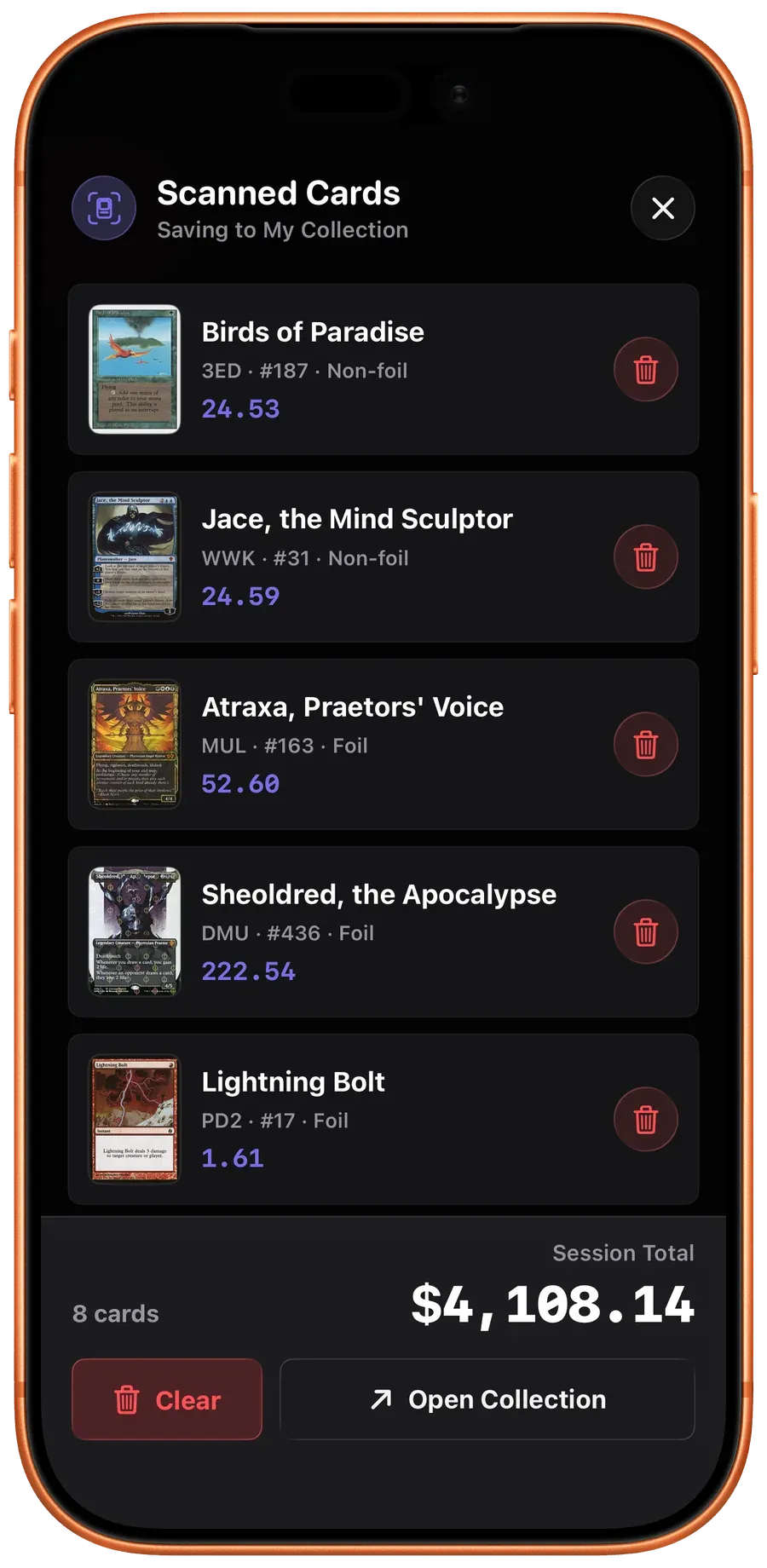
Choose Scrytics when you use an iPhone or iPad and want scanning, collection tracking, card prices and deck building in one app. It is available on the App Store.
Delver Lens: best dedicated Android option
Delver Lens is built for Android and combines card recognition with collection management and exports. Its official site publishes current releases and supported workflows, which makes it the clearest choice when iOS is not relevant.
Choose Delver Lens when you want a dedicated Android scanner and need to move scanned data into another collection tool.
TCGplayer: best for seller inventory
TCGplayer’s official app supports card scanning on iOS and Android. Its workflow is closely tied to TCGplayer product matches, quantities and inventory, so it is especially practical when the destination is a marketplace listing or seller catalog.
TCGplayer also publishes scanning setup and accuracy guidance, including the importance of a plain background and controlled lighting.
Choose TCGplayer when selling and inventory entry matter more than a private collection experience.
ManaBox: best broader collection and deck companion
ManaBox combines collection management, deck building and prices from multiple marketplaces. It is a strong alternative when scanning is one part of a larger Magic management workflow rather than the only reason to install the app.
Choose ManaBox when deck construction and cross-market collection pricing are the primary jobs.
Deckbox: best web-first catalog
Deckbox remains a useful web-first collection, deck and trading database. It is best considered a destination for organised inventory rather than a camera-first scanner.
Choose Deckbox when browser access, collection organisation and trading are more important than camera speed.
Which MTG scanner should you use?
- iPhone or iPad collector: Scrytics.
- Android collector: Delver Lens.
- TCGplayer seller: TCGplayer.
- Deck building and collection management first: ManaBox.
- Web-first inventory and trading: Deckbox.
Test your choice with ten representative cards before committing a full binder: one foil, one sleeved card, two reprints with the same art, a promo, a borderless treatment and at least one non-English printing. The app should make uncertainty visible and let you correct the printing quickly.
Frequently asked questions
What is the best MTG card scanner app for iPhone?
Scrytics is the strongest fit when you want to scan on iPhone, confirm the printing and add cards directly to a collection. TCGplayer is a better fit when the end goal is marketplace inventory or selling.
What is the best MTG card scanner app for Android?
Delver Lens is a dedicated Android option with card recognition, collection management and export workflows.
Can an MTG card scanner identify the exact printing?
A scanner can propose a printing, but you should verify the set, collector number and finish before using the result for valuation or inventory.
Do Magic card scanners work offline?
Offline support varies. Scrytics performs recognition on the device after its catalog is synced, while marketplace and live price features still require current data.
Methodology
This comparison was refreshed on July 15, 2026 from current product pages, support documentation and hands-on workflow checks. It compares supported platforms, scan review, exact-printing selection, offline behavior, collection handoff and export. We do not publish an accuracy percentage because there is no independent benchmark using the same cards, sleeves, lighting and app versions across every product. Scrytics is our app, and that relationship is disclosed before the recommendation.
Last updated: July 15, 2026
Available now on iOS
Scan every card. Price every printing.
Scrytics is the Magic: The Gathering card scanner, collection tracker and price database for iPhone and iPad.